- From the home page, select the "Setup" tab located to the left of the site. Then click on the "Manage Integrations" option.

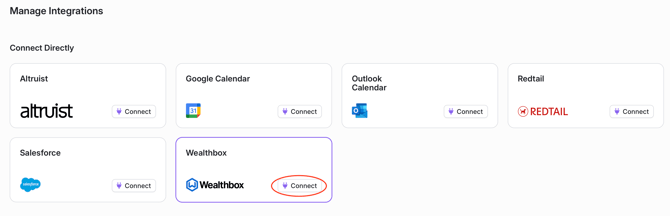
- Select the "Connect" button next to Wealthbox.
- The user will be redirected to a Wealthbox authentication page.
-png.png?width=670&height=212&name=Integrate%20with%20Wealthbox%20(3)-png.png)
- After logging in, the user should be redirected back to the YourStake Integrations page. Verify that the Wealthbox integration now shows as "Connected".
English